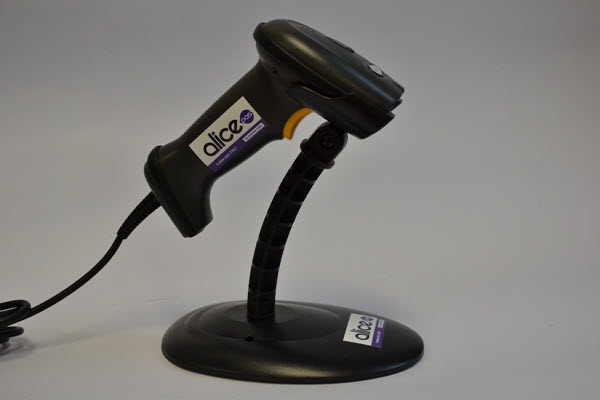
Scanner - Eclipse ES-250A USB Configuration: Plug in the scanner. Scan the three bar codes in this document. Stickers: One small sticker in the middle of the base. Two stickers on the sides of the scanner's handle.
![alice-pos-logo@2x.png]](https://kb.alicepos.com/hs-fs/hubfs/alice-pos-logo@2x.png?height=50&name=alice-pos-logo@2x.png)