![alice-pos-logo@2x.png]](https://kb.alicepos.com/hs-fs/hubfs/alice-pos-logo@2x.png?height=50&name=alice-pos-logo@2x.png)
If an error was made on an invoice, there's an easy way to correct it in Alice POS. Here's how to proceed:
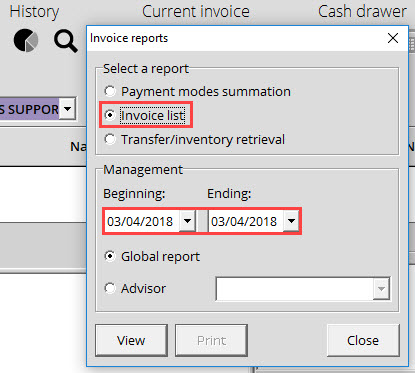
- First, search the invoice that needs to be edited. You can search for the invoice number in the Invoice module search box, scan the invoice if you have a paper copy, or use the Display available report icon to retrieve your invoice.
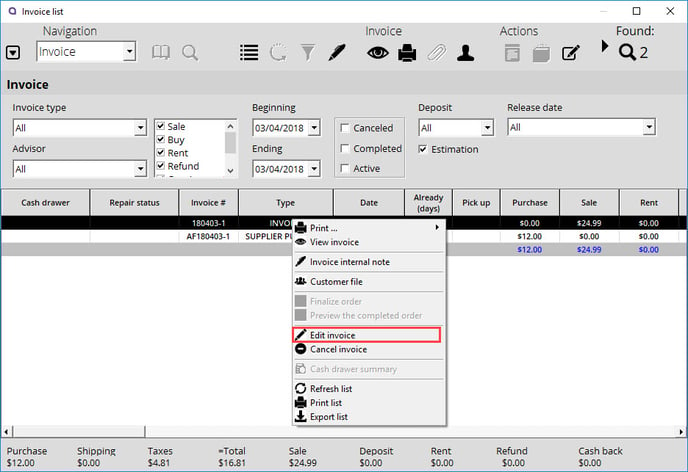
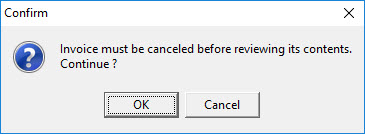
- Right-click on the invoice and choose the Edit invoice option. Alice POS will inform you that the invoice must be canceled before it can be modified.
- This is the desired behavior. Click OK.
- The invoice will then be displayed as originally created.
- You can change anything; customer, prices, add/remove items, or make any corrections that you deem necessary.
- Finalize the invoice.