1- Scan the following barcode to do a factory reset:

2- Scan this code below to set the unit to: USB Serial com port emulation:

3- Scan this code below to prevent the scanner from falling into sleep mode:

All TERA scanner codes are on the support page:
Tera | Barcode Scanner & Scanning Solution Provider – Tera Digital
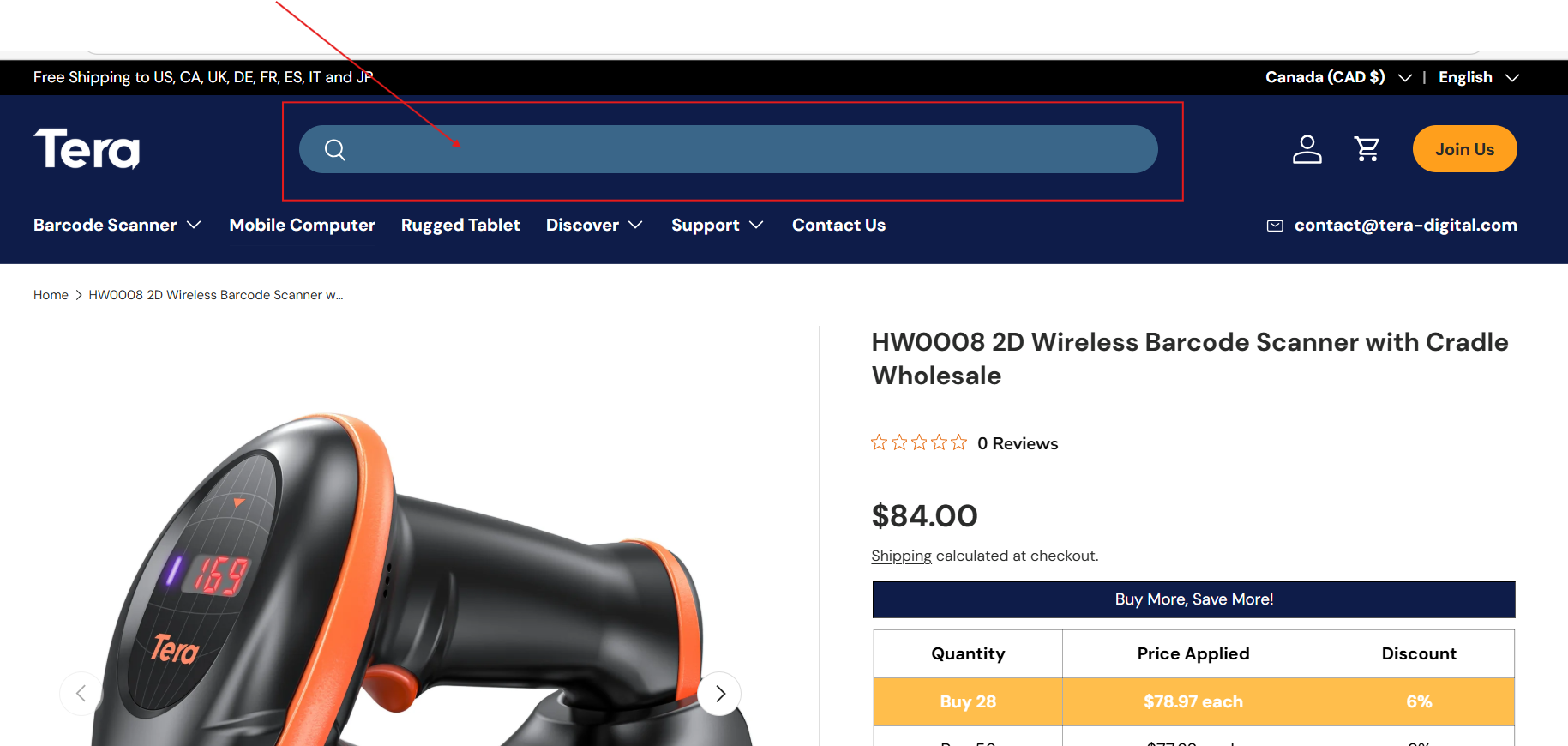
Search for the product:
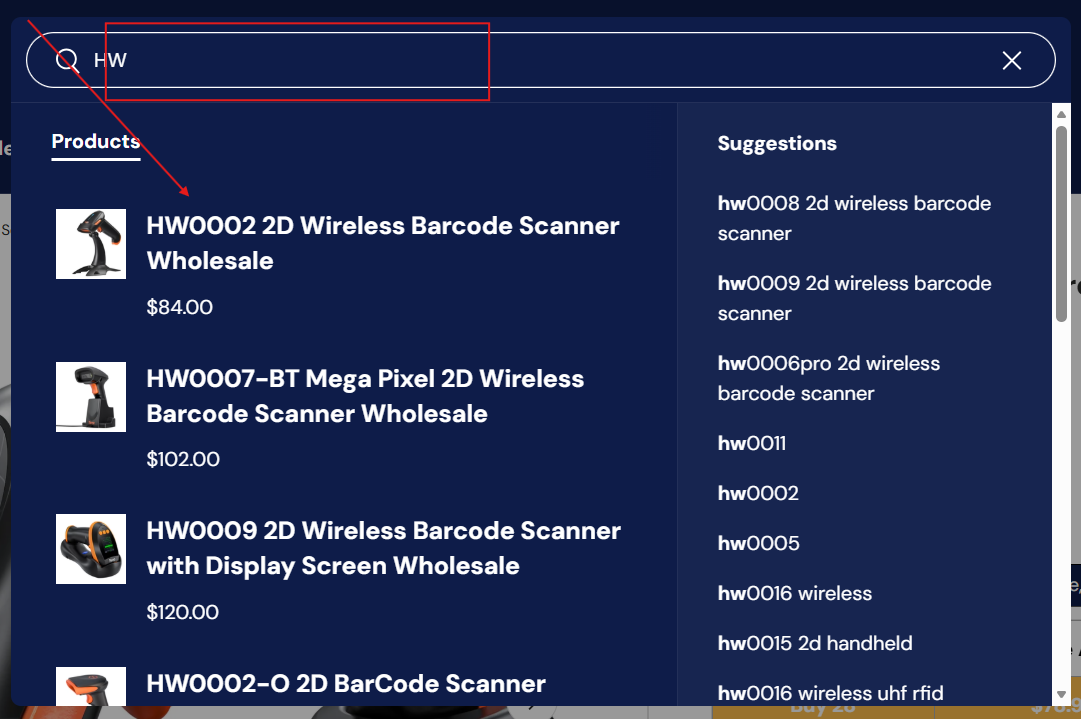
View results:
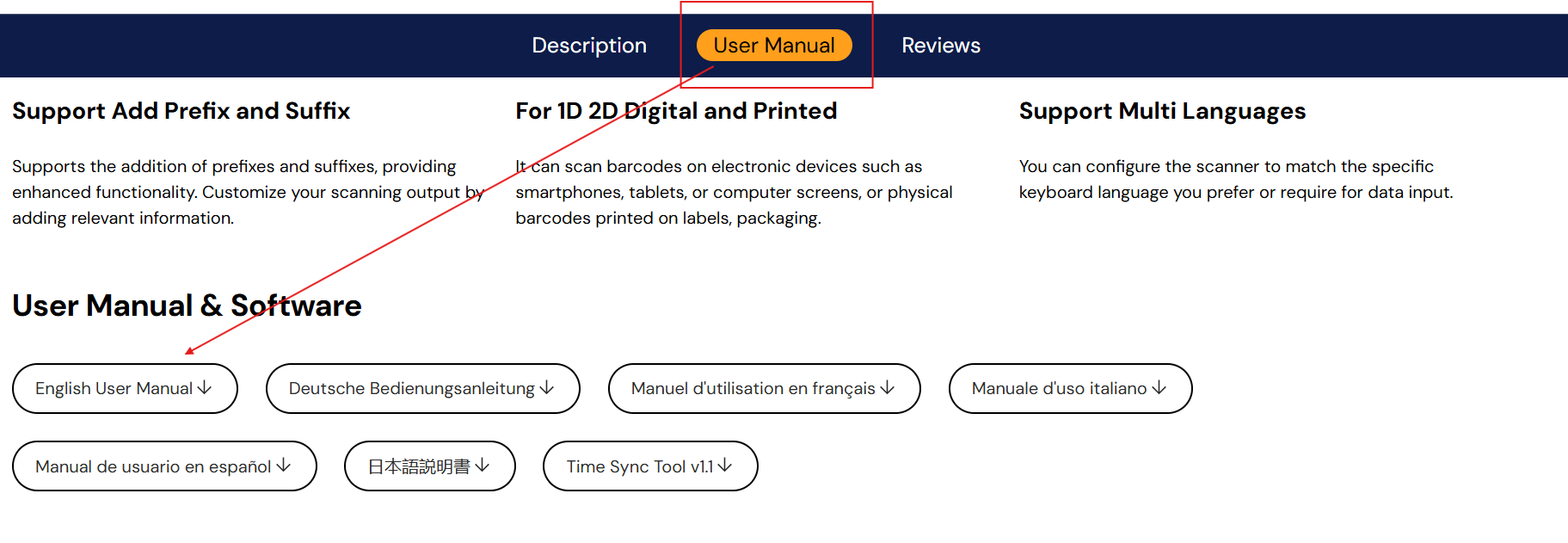
Select the proper model and then scroll down to "USER MANUAL"
Then selest "English User Manual"
All codes will be found there. Same goes for other Tera scanners.